Tools · Locks & vesting
Solana Token Lock Verifier: Check Any Mint's Active Locks
Every active lock on a mint — how much, for whom and until when — with no wallet needed. Devnet only, like the Token Locker.
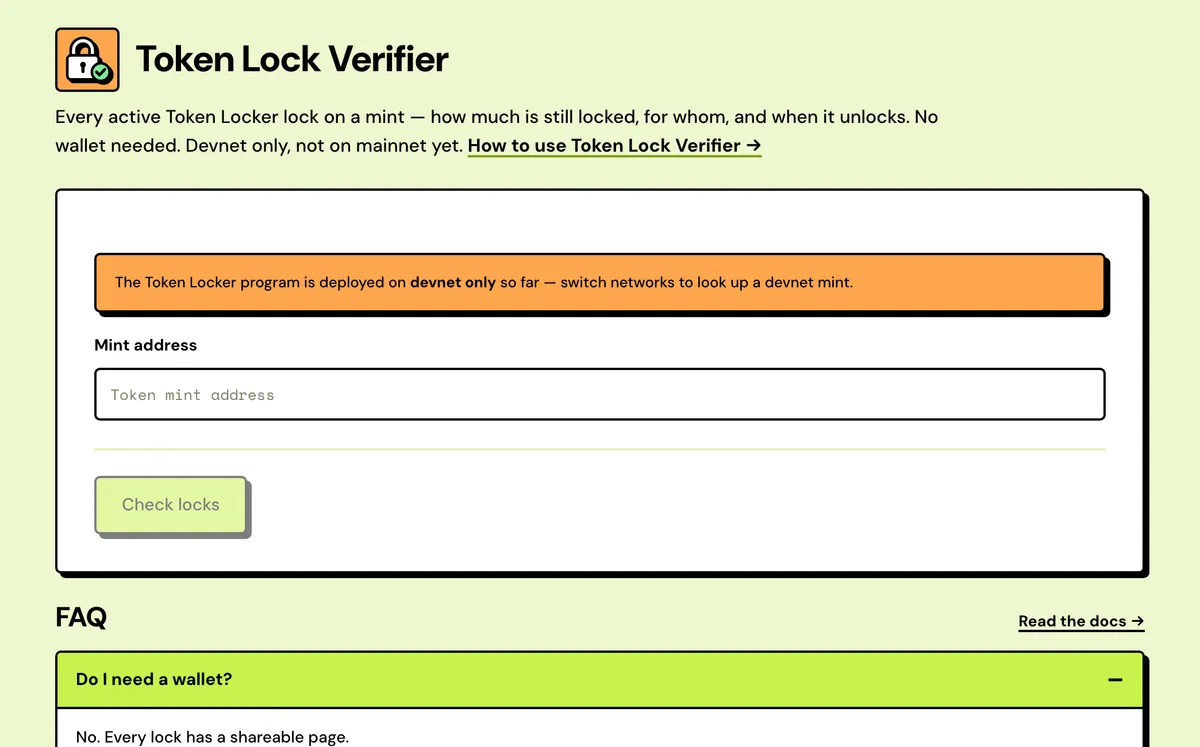
How to use the Solana Token Lock Verifier
- Paste a mint address.
- Review each active lock: amount, recipient, unlock date.
- Open an individual lock's page to share it.
- Program accounts, live
- The chain's clock
- Unlocked isn't locked
- Share of supply
- Flags on every lock
- Three-part progress bar
FAQ
Do I need a wallet?
No — every lock has a shareable page.
What does "still locked" count?
Tokens not yet unlocked, across active locks.
Why no locks for a locked token?
Only Solstack's Token Locker is checked.
Does it check mainnet?
Not yet. The Token Locker runs on devnet only for now, so there are no mainnet locks to find.
Is it free?
Yes. No wallet and nothing to sign.
Why did a lock disappear?
Completed and cancelled locks close themselves, so they drop off the list.
Can I link to a single lock?
Yes. Every lock has its own public page, and opening it needs no wallet.
Does it show how much has been delivered?
Yes. Each lock's card shows how much has gone out so far, next to its schedule.
Everything about the Solana Token Lock VerifierFeatures in full, costs and the complete guide
What the verifier reads
Program accounts, live
Locks are fetched straight from the Token Locker program, filtered by mint, each time you press Check. There's no database or cached index in between.
The chain's clock
Countdowns and unlocked amounts use the cluster's own block time, not your computer's clock, so they match what the program will allow.
Unlocked isn't locked
Tokens that have unlocked but haven't been delivered yet are left out of Still locked, so the total never overstates what is held back.
Share of supply
Still locked is divided by the mint's current supply and shown as a percentage beside the token amount.
Flags on every lock
Each card shows its phase, its schedule type, and whether it's Cancelable, Transferable or Immutable, plus a Token-2022 tag where it applies.
Three-part progress bar
Delivered, unlocked and waiting, and still locked, drawn to scale for each lock with the amounts underneath.
Solana Token Lock Verifier: Complete Guide
What the Token Lock Verifier shows
Paste a mint and see every lock created for it through Solstack's Token Locker: total still locked, each recipient, and the unlock (or vesting end) date. Every lock also has its own shareable page — useful for proving a team or LP allocation is genuinely time-locked rather than just claimed to be.
Only locks created through Solstack's Token Locker are checked — a mint locked somewhere else won't show up here.
When to use it
A team says its allocation is locked or vesting. A screenshot or a website can say anything, so check the chain instead. This page reads the Token Locker program's accounts directly, not a database, so the numbers are what the program will actually release, and when.
What the results show
- Still locked: everything not yet released across active locks, also shown as a percentage of total supply.
- Active locks and recipients: how many locks hold the token and how many different addresses they pay.
- Next unlock: a countdown to the next release from any lock.
- Last unlock: when the final lock completes.
- One card per lock: amount, recipient (or Self lock), schedule, how much has been delivered, and a link to its public page.
Reading it critically
- A cancelable lock is a weaker promise: the creator can end it early and take back whatever hasn't unlocked.
- A self lock returns tokens to the team's own wallet on the unlock date. Ask what happens to them then.
- A lock on a small share of supply says little about the rest. Check the holder list in the Solana Token Inspector.
What it doesn't cover
Only locks made with Solstack's Solana Token Locker appear. Tokens locked with another program won't show, and completed or cancelled locks close themselves and drop off the list. For a pool's LP tokens, use the Solana LP Lock Verifier. The Token Locker is unaudited and deployed on devnet only, so every lock found here is a devnet lock for now.
For teams
If you've locked tokens with the Solana Token Locker, this is the page to point your community at. Link the lock's own page in an announcement rather than posting a screenshot, so anyone can confirm the amount, recipient and schedule on-chain for themselves.
What each badge means
| Badge | Meaning |
|---|---|
| Locked | Before the cliff or unlock date. Nothing can leave the vault yet. |
| Vesting | Past the cliff. Part has unlocked and the rest follows on schedule. |
| Unlocked | The schedule has ended. Anything not yet delivered is waiting for the next delivery. |
| Immutable | Neither cancelable nor transferable. Nobody can end or redirect it. |
| Cancelable | The creator can end it early and take back whatever hasn't unlocked. |
| Transferable | The recipient can hand the rest of the schedule to another address. |
| Token-2022 | The mint uses Token-2022. If it has a transfer fee, the fee comes off each delivery. |
A real lock or a labelled wallet?
- A real lock's tokens sit in a token account owned by a lock account, and that lock account is owned by the Token Locker program,
7XqonZdRNEdHVShaKJEGCHtfnYAsrPN2DYiKPiYiu4rnon devnet. - A wallet tagged "Team lock" on a website or an explorer is still just a wallet. Its owner can move the tokens at any time.
- A screenshot proves nothing. A lock link loads the live account, and completed or cancelled locks are closed on-chain, so their links stop showing a lock.
- A recipient shows as a plain address. Paste it into the Solana Account Inspector to see whether it's a wallet, a multisig or a program account.
What it costs
Free.