Tools · Analyze
Solana Account Inspector: What Any Address Is On-Chain
What any address is and what's on-chain about it — wallet, token account, program or PDA.
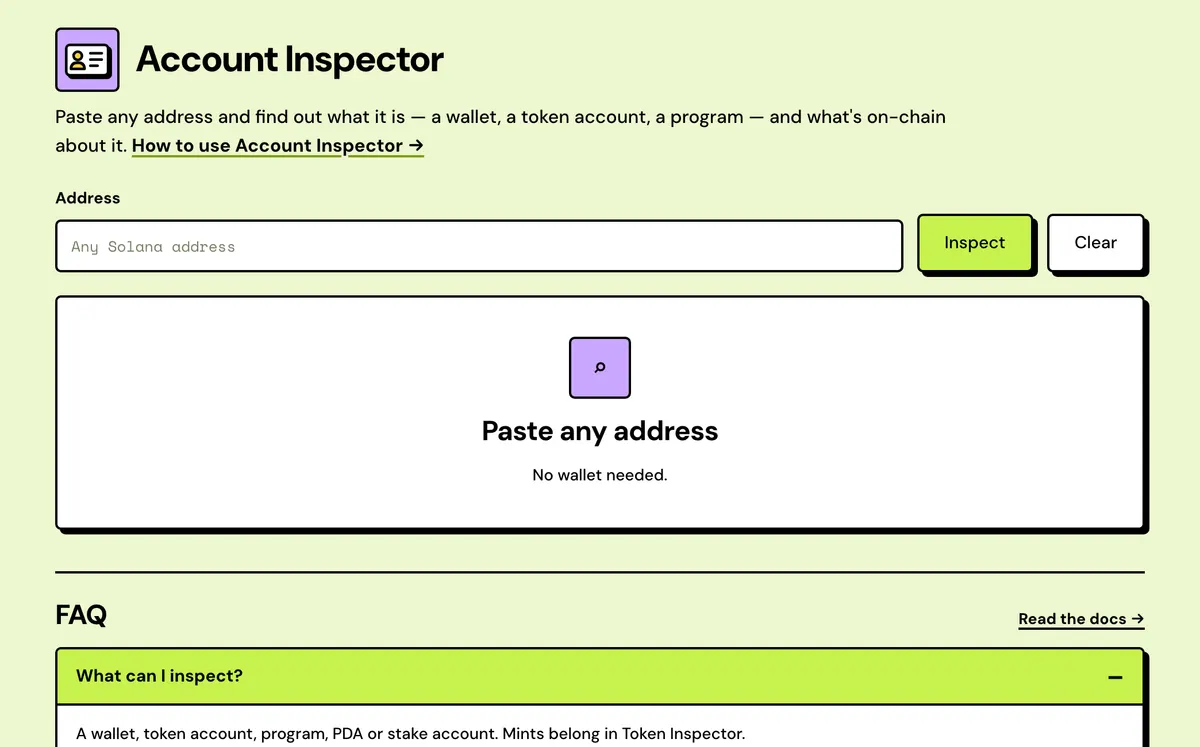
How to use the Solana Account Inspector
- Paste any address.
- Solstack detects what kind of account it is.
- Review the relevant details for that account type.
- Account type detected
- Rent you can reclaim
- Wallet profile
- Tokens it minted
- Program upgrade check
- Token account checks
FAQ
What can I inspect?
A wallet, token account, mint, program or PDA. For a mint's full safety score, use Token Inspector.
What does it show for a wallet?
SOL balance, portfolio value, token accounts, reclaimable rent, transactions and minted tokens.
Does it need a wallet?
No.
Is it free?
Yes. Nothing to sign.
Why does a valid address show as empty?
It has no account on the network picked in the top bar. Switch networks and try again.
Can it tell me who owns a wallet?
No. It shows what's on-chain about an address, not the person behind it, and the profile tags are heuristics.
Does it work on devnet?
Yes. It reads the network picked in the top bar, though portfolio value is mainnet only.
Everything about the Solana Account InspectorFeatures in full, how it compares, costs and the complete guide
What the Account Inspector shows
Account type detected
Wallet, token mint, token account, program, metadata account or PDA, worked out from the account's owner, data size and whether the address is on curve.
Rent you can reclaim
Adds up the SOL locked in the wallet's empty token accounts, SPL and Token-2022, and counts how many there are.
Wallet profile
Tags such as Trader, Bot-like, Dormant or Token creator, each with its reason, from holdings and the programs in its last 30 transactions.
Tokens it minted
Tokens whose metadata update authority is this wallet, and how many of them still have a live mint authority.
Program upgrade check
Upgradeable or not, the key that can redeploy it, the loader, the bytecode size and the slot its program data was last written.
Token account checks
Any delegate and its approved amount, frozen or not, and whether the address is the canonical associated token account.
Solstack vs a block explorer
Explorers list an address's fields; this says what the account is and what each field means for you.
Solstack Account Inspector
- Totals the rent locked in a wallet's empty token accounts, ready to reclaim
- Profile tags from recent activity, such as Trader or Bot-like, each with its reason
- Lists the tokens a wallet created, and how many can still be minted
- Checks whether a token account is the canonical associated token account
- Says what each authority means, such as who can redeploy a program at any time
Typical block explorer
- Token holdings listed, with empty accounts' rent deposits not totalled
- Usually labels only known entities such as exchanges; an unknown wallet gets none
- Usually no list of tokens a wallet created
- Mint, owner and balance shown without checking how the address was derived
- Field names and values, with the meaning left to you
Solana Account Inspector: Complete Guide
What the Account Inspector shows
Paste any address and Account Inspector figures out what it is and shows what's relevant: a wallet's SOL balance, portfolio value, token accounts and reclaimable rent; a token account's mint, owner and delegate; a program's upgrade authority and bytecode size; a PDA or stake account's own details.
For mints specifically, Token Inspector goes deeper with a full safety score — Account Inspector is the general-purpose lookup for everything else on Solana.
When to use it
Use it on any address you can't place: a wallet that sent you an unexpected token, an account listed in a transaction, a program a website asks you to interact with, or whoever owns a token account. Paste it once and you'll know what kind of account it is and who's in control of it.
What it shows for each kind
- Wallet: how much SOL it holds and what its portfolio is worth, its token accounts and how much rent the empty ones could return, recent transactions, any tokens it minted, and a profile.
- Token account: the mint, balance, owner and any delegate, whether it's frozen, and whether it's the standard associated account for that owner and mint.
- Program: if it's upgradeable, the key that can upgrade it, plus its loader and the size of its bytecode.
- PDA or other program-owned account: the owning program, the size of its data, and whether a key could ever sign for it. For a token's metadata account you also see the mint it belongs to and whether its fields are still editable.
- Mint: supply, decimals, authorities and holders, plus price and liquidity on mainnet. The Solana Token Inspector adds the full safety score.
How far to trust the extras
The wallet profile (tags such as Trader, NFT collector or Token creator) is inferred from what the wallet holds, how many transactions it has made, whether it has minted tokens, and which programs its last 30 transactions touched. Read it as a hint, not a verdict. Minted tokens are found through Metaplex metadata whose update authority is the wallet, so tokens without metadata, or with a transferred authority, won't appear. Portfolio value counts SOL plus priced tokens among the first 40, and it's mainnet only.
Next steps from here
If a wallet shows reclaimable rent and it's yours, Reclaim Solana Rent closes the empty accounts. To decode one of its transactions, paste the signature into the Solana Transaction Inspector. An address that reads as empty or never used has no account on this network, so check the Devnet/Mainnet toggle.
How an address is classified
The inspector reads the account once and sorts it by owner, data size and whether the address is on the ed25519 curve. Stake and vote accounts aren't decoded: they show their owner, size and raw data. More on off-curve addresses in Understanding Solana PDAs.
| What the account looks like | Shown as |
|---|---|
| No account on this network | Empty, never used |
| Executable | Program |
| Owned by the System Program, no data | Wallet |
| Owned by Token or Token-2022, mint layout | Token mint, with supply, authorities and holders |
| Owned by Token or Token-2022, token account layout | Token account |
| Owned by Metaplex Token Metadata | Metadata account for a mint |
| Off curve, any other owner | PDA |
| On curve, owned by another program | Program-owned account, raw data only |
What it costs
Free.