Tools · Analyze
Solana Transaction Inspector: Decode Any Signature
Status, fee, instructions and balance changes for any transaction signature.
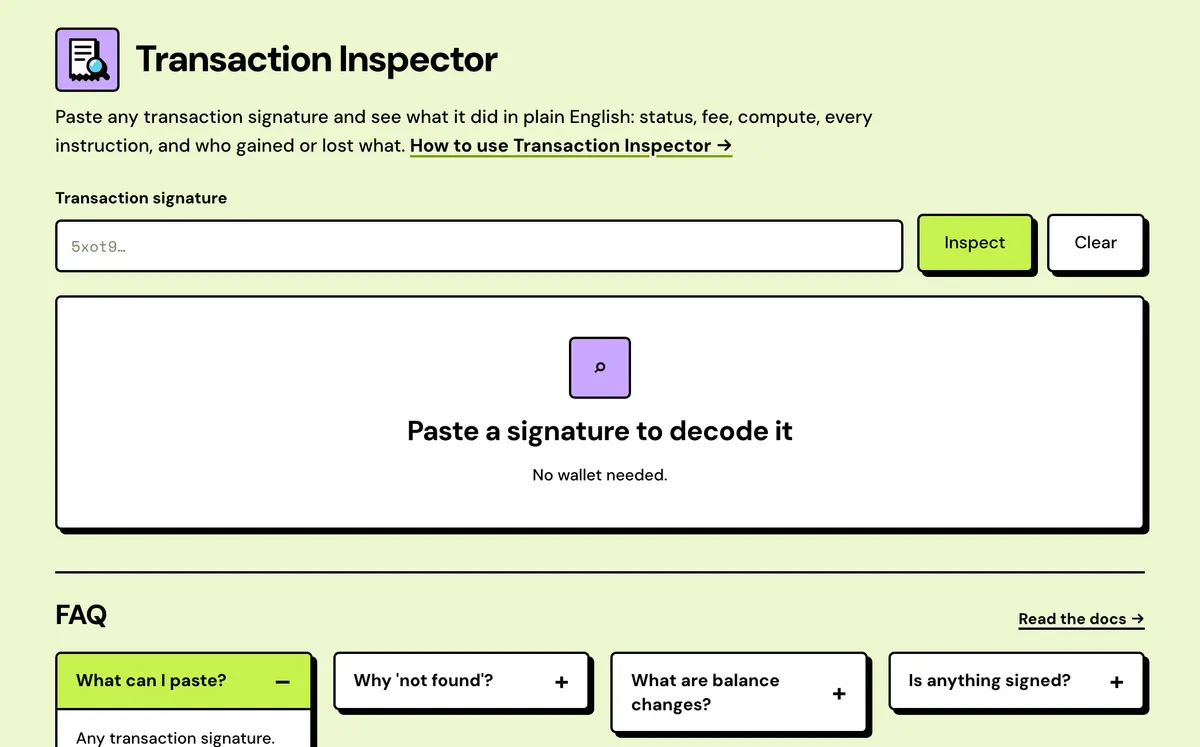
How to use the Solana Transaction Inspector
- Paste a transaction signature.
- Pick the right cluster (mainnet/devnet) if it's not found.
- Read the instruction list and balance changes.
- One-line verdict
- Failure pinpointed
- Compute budget folded
- What is this? notes
- Unknown programs named
- Raw data on hand
FAQ
What can I paste?
Any transaction signature.
Why "not found"?
Wrong cluster, dropped, or aged out of RPC history.
Is anything signed?
No.
Do I need a wallet?
No. Paste a signature; nothing is signed or sent.
Does it show failed transactions?
Yes, with the instruction that failed, the program that rejected it, and the fee that was still charged.
Is it free?
Yes.
Where do I find a signature?
In an explorer, your wallet's activity history, or the result screen of any Solstack tool.
Does it work on devnet?
Yes. It reads from whichever network the top bar is set to.
Everything about the Solana Transaction InspectorFeatures in full, how it compares, costs and the complete guide
What the Transaction Inspector shows
One-line verdict
A sentence such as sent 0.05 SOL or minted 1,000 tokens. For programs it doesn't decode, it reads the fee payer's net balance change instead.
Failure pinpointed
The instruction that threw is marked Threw, later ones Never ran, and Token program error codes are named, such as 0x1 insufficient funds.
Compute budget folded
Compute-unit limit and priority-price instructions collapse into one line showing units requested and the price in micro-lamports. Expand to see them.
What is this? notes
Each instruction carries a short note on its program, from the System Program and token accounts to Memo and Token Metadata.
Unknown programs named
Pump.fun and PumpSwap are named, and for other Anchor programs the instruction name is read from the program's own logs.
Raw data on hand
Copy the raw JSON, one instruction's JSON or a program id, read the logs with error lines highlighted, or open it in Solscan.
Solstack vs a Solana transaction explorer
Explorers decode more programs and inner instructions; this explains each step in plain words.
Solstack Transaction Inspector
- Each instruction as a sentence, such as Send 0.05 SOL from one address to another
- A What is this? note explaining the program behind each instruction
- Compute Budget instructions folded into one line: units requested and priority price
- In a failed transaction, instructions after the one that threw are marked Never ran
Typical transaction explorer
- A table of parsed fields per instruction: source, destination, raw amount
- Usually the program's name only, with no note on what it is for
- Compute Budget instructions listed as ordinary numbered instructions
- Usually the failed instruction is flagged and later ones look like the rest
Solana Transaction Inspector: Complete Guide
What the Transaction Inspector shows
Paste any transaction signature and see exactly what it did: success or failure, the fee paid, every instruction in order, and the net SOL and token balance change per account — without reading raw base58 data or guessing from a generic explorer view.
Nothing is signed or submitted here — it's read-only, purely for understanding a transaction that already happened.
When to use it
- Your wallet says a transaction failed and you want to know which program rejected it, and why.
- You want to check what a transaction actually did before you trust a claim about it.
- You'd like a swap, transfer or mint described in plain words instead of raw explorer data.
What you get
- A one-line verdict: what happened, how many signers there were and who paid, or for a failed transaction, which program refused it.
- The fee in SOL and lamports, including any priority fee, and the compute units used against the limit requested.
- For a failure, the instruction that threw and its program. Instructions after it are marked as never run.
- Every instruction with its program and a plain explanation, with accounts marked signer or writable.
- Net SOL and token change per account, from the balances before and after.
- The program logs, the raw JSON exactly as the RPC returned it, and a link to Solscan.
Why balance changes matter
Instructions say what a transaction asked for; balance changes show what actually moved. When checking a transaction someone sent you, read who lost and who gained before anything else. A failed transaction doesn't move any funds, though the fee is still paid.
If it says not found
Check the Devnet/Mainnet toggle first: a signature from one network won't be found on the other. If the network is right, the transaction was probably dropped before it confirmed, or it's too old for the RPC's history. To look up an address rather than a signature, use the Solana Account Inspector; for a token mint, the Solana Token Inspector.
A signature isn't success
Getting a signature back only means a transaction was sent. It can still fail, expire or be dropped. Paste the signature here once it has had time to confirm: a confirmed transaction shows its result, a failed one shows the error, and one that never landed comes back as not found.
Token program error codes
When the Token or Token-2022 program rejects an instruction, the inspector names the code. Other programs' codes are shown in hex.
| Code | Meaning | Usual cause |
|---|---|---|
| 0x0 | Not rent exempt | The account wasn't funded with its full rent deposit |
| 0x1 | Insufficient funds | The source holds fewer tokens than the amount sent |
| 0x3 | Mint mismatch | The token account belongs to a different mint |
| 0x4 | Owner does not match | The signer isn't the account's owner or delegate |
| 0x5 | Fixed supply | Mint authority is revoked, so no more can be minted |
| 0x9 | Account not initialized | The token account doesn't exist yet |
| 0x11 | Account is frozen | The mint's freeze authority froze this account |
| 0x12 | Mint decimals mismatch | A checked instruction passed the wrong decimals |
Reading other program errors
- Codes of 6000 (
0x1770) and up are errors an Anchor program defines itself. The program logs usually spell out the error's name and message. - A named error such as
InvalidAccountDatacomes from the Solana runtime rather than the program, and is shown in words. - A transaction the network rejected before running it, such as one with an expired blockhash, never landed, so its signature comes back as not found. See the transaction lifecycle.
What it costs
Free.