Tools · Manage
Solana Token Manager: Mint, Burn and Update Metadata
Mint more supply, burn, revoke mint and freeze authorities, or update metadata for any mint you control.
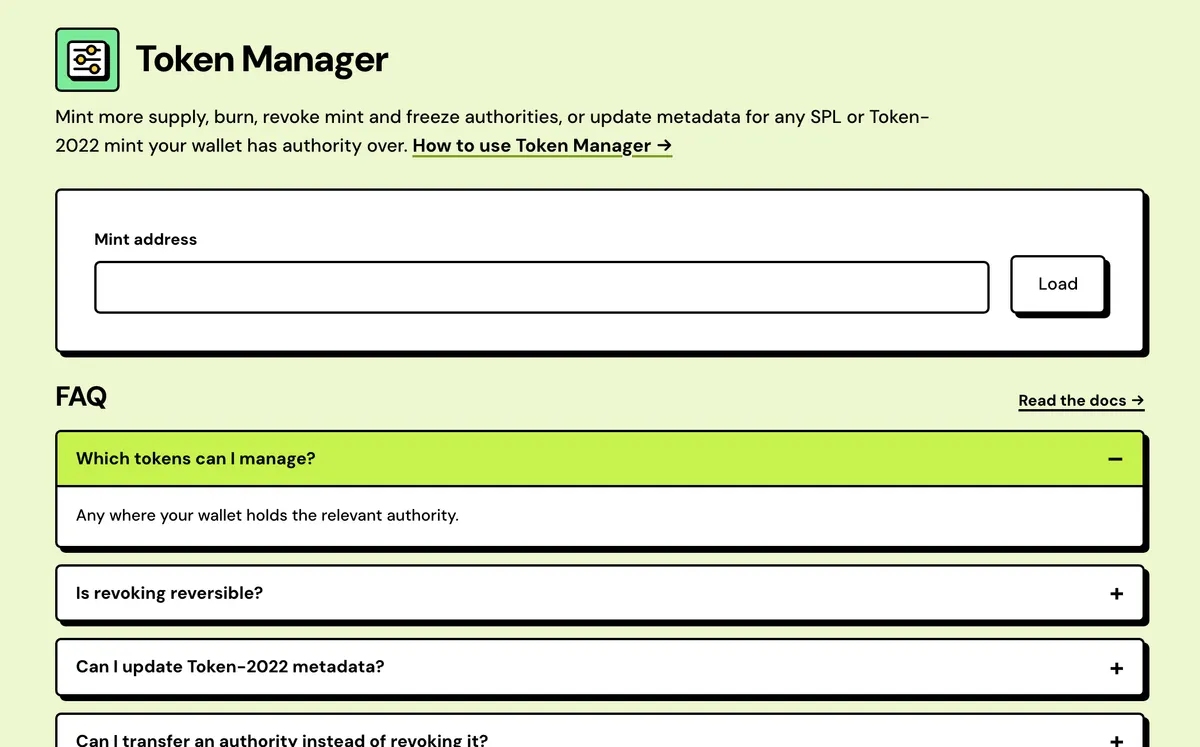
How to use the Solana Token Manager
- Connect your wallet.
- Paste the mint address.
- Choose an action — mint, burn, revoke or update metadata.
- Review and sign.
- Reads the mint first
- Mint more supply
- Revoke or transfer
- Token-2022 authorities
- Metadata updates
- Transfer fee collection
Watch it done
FAQ
Which tokens can I manage?
Any where your wallet holds the relevant authority.
Is revoking reversible?
No.
Can I update Token-2022 metadata?
Yes, with the update authority.
Can I transfer an authority instead of revoking it?
Yes. Any authority you hold can be handed to another address, such as a multisig.
Is there a fee?
No Solstack fee. You pay the network fee, plus about 0.0015 SOL rent if you mint to an address with no account for the token yet.
Why doesn't my metadata change show yet?
Wallets and explorers keep cached copies of metadata, so updates can take some time to show.
Does it work for tokens made elsewhere?
Yes. Any SPL or Token-2022 mint works, as long as your wallet holds the authority the action needs.
Everything about the Solana Token ManagerFeatures in full, how it compares, costs and the complete guide
What the Token Manager does
Reads the mint first
Paste a mint to see its standard, name, decimals, supply and every authority it carries, with the ones your wallet holds marked.
Mint more supply
Mint to your wallet or any address. A missing token account for the destination is created in the same transaction.
Revoke or transfer
Set any authority you hold to none, or hand it to another address such as a multisig, after a confirmation step.
Token-2022 authorities
Metadata pointer, transfer fee, fee withdrawal, interest rate, close and permanent delegate are listed and managed like mint and freeze.
Metadata updates
Change the name, symbol and URI: one Metaplex instruction for an SPL token, one field update per change for Token-2022.
Transfer fee collection
For a taxed Token-2022 mint, see the fees withheld in holders' accounts, collect them to your wallet and set a new rate.
Solstack vs other Solana token managers
Every authority on one page, with no Solstack fee for any action.
Solstack Token Manager
- No Solstack fee to mint, revoke, transfer or update metadata; network fee only
- Any authority can be transferred to another address, such as a multisig
- Lists every Token-2022 authority, including close, interest rate and permanent delegate
- Mint, burn, revoke, transfer, metadata and fee collection on one page per mint
Typical revoke or token tool
- Many charge per action, often 0.1 SOL for each revoke
- Often revoke only, with no way to hand an authority on
- Usually cover mint, freeze and update authority only
- Often a separate tool page for each action
Solana Token Manager: Complete Guide
What does the Token Manager do?
Token Manager is the control panel for a mint you still hold authority over: raise or lower supply, revoke mint and freeze authority permanently, or update a Token-2022 mint's on-chain metadata. Everything here needs the matching authority in your connected wallet.
Revoking authority is the same action available at creation time in the SPL and Token-2022 creators — useful if you minted elsewhere, or want to lock supply after the fact.
What you can do
- Mint more: new supply to your wallet or any address, with the destination's token account created if it's missing. Needs the mint authority.
- Revoke mint or freeze authority: set it to none, permanently.
- Transfer an authority: hand it to a multisig or a new team wallet instead of revoking it.
- Update metadata: change the name, symbol and metadata URI. Pointing the URI at a new JSON file is how you change the logo. Needs the update authority.
- Burn: destroy tokens from your own balance. No authority needed.
Token-2022 mints
A Token-2022 mint shows its extension authorities as well, from the metadata pointer and transfer fee authorities to fee withdrawal, interest rate, close and permanent delegate. You can transfer or revoke any you hold, and change the interest rate if that one is yours. For a mint with a transfer tax, the page shows how much is waiting in holders' accounts, collects it to your wallet, and sets a new rate that takes effect about two days (two epochs) later.
Which actions your wallet gets
Paste a mint and the page reads its program, decimals, supply and authorities, then marks the ones your connected wallet holds. Only matching actions are enabled, and a wallet that holds none is warned that its transaction would be rejected on-chain. Tokens made with the SPL Token Creator or the Token-2022 Creator give the creating wallet every authority. Once all of them are revoked, only Burn is left.
Before you revoke
- Mint all the supply you'll ever need before revoking mint authority.
- Make sure nothing in your plans needs freezing an account before revoking freeze authority.
- Nobody can undo a revoke, Solstack included. It's a single instruction that sets the authority to none, never to another address.
- Afterwards, check the result in the Solana Token Inspector, the way buyers will.
What it costs
Free — network fee only.