Tools · Analyze
My Solana Tokens: Every Token Your Wallet Created
Every token this wallet created, in one place, with quick links back into each one.
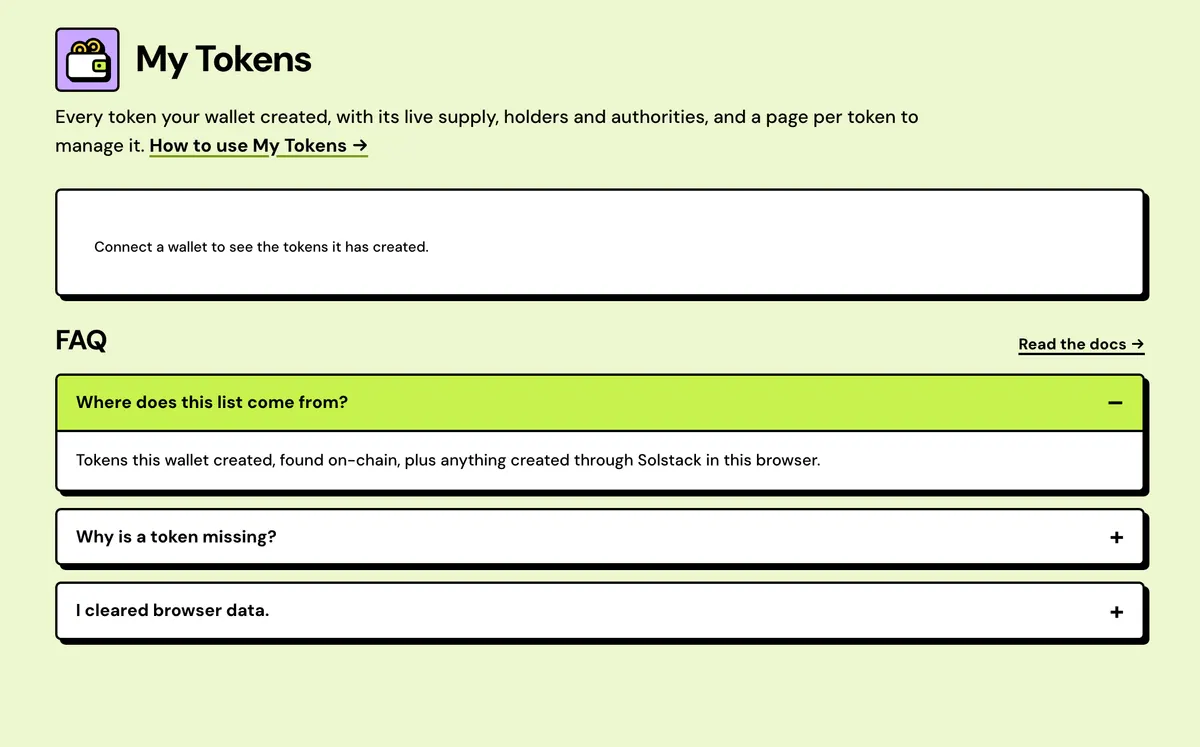
How to use the My Solana Tokens
- Connect your wallet.
- Browse every token it created, found on-chain.
- Open a token's page to manage its authorities, fees and supply.
- Found on-chain
- Created here
- Live supply
- Authority badges
- Holder counts
- CSV export
FAQ
Where does this list come from?
Tokens this wallet created, found on-chain, plus anything created through Solstack in this browser.
Why is a token missing?
It's found by its metadata authority. A token with no metadata, or whose metadata authority was transferred or revoked, only shows if it was created in this browser.
I cleared browser data.
Tokens found on-chain come back on the next visit. Activity history doesn't.
Is it free?
Looking is free. Any action costs just the network fee, and minting to an address that has no account for the token adds about 0.0015 SOL of rent.
Does it find tokens I didn't make with Solstack?
Yes, if this wallet is their metadata update authority. They show as Found on-chain.
Can I export the list?
Yes. The whole list downloads as a CSV.
What is the launch checklist?
Each token's page lists the launch steps and checks each one on-chain: authorities revoked, a pool open, the LP locked or burned, team tokens locked, an airdrop out. Each step opens the tool that does it with the token filled in.
Can it alert me when a top holder sells?
Yes. A token's page links it to the Solstack Telegram bot, which sends a message when a top-20 holder buys or sells 1% of supply or more, an authority changes or the supply moves. It checks every 10 minutes.
Everything about the My Solana TokensFeatures in full, costs and the complete guide
What My Tokens shows
Found on-chain
Tokens whose metadata update authority is your wallet, looked up through the RPC's asset index, including ones made with other tools.
Created here
Tokens made with Solstack's creators are recorded in this browser as soon as creation confirms, up to 200 per wallet on each network.
Live supply
Supply and decimals are read from the mint on every visit, so burns and newly minted tokens show straight away.
Authority badges
Mint and Freeze read Live or OFF. Metadata reads You, External or OFF, so you can see which controls this wallet still holds.
Holder counts
Token accounts holding a balance for each token, from a live scan, and totalled across all your tokens in the summary strip.
CSV export
Name, symbol, mint, decimals, supply, standard, holders, mint and freeze authority status, creation time and signature for every token listed.
My Solana Tokens: Complete Guide
What My Tokens lists
My Tokens lists every SPL and Token-2022 mint your connected wallet created — looked up on-chain by metadata authority, plus anything created through Solstack in this browser — with a detail page per token for its authorities, transfer fees and actions.
Activity history is kept in this browser; the token list itself is rebuilt from the chain, so it follows your wallet across devices.
Who it's for
Anyone who has created a token and wants one place to look after it. Rather than pasting a mint into tool after tool, keep it here: its card shows the holder count and which authorities are still active, and from there you can mint more, edit its metadata, collect a transfer tax or pass an authority to someone else.
What each card shows
- Supply and decimals, fetched live from the mint, so burns and new mints appear straight away.
- Holders: token accounts with a balance, from a live scan.
- Mint and Freeze: whether each authority is still live or switched off.
- Metadata: whether this wallet, another address or nobody can change the name, symbol and logo.
- A summary strip above the cards counts your tokens and their holders, how many use Token-2022, and how many can still mint more. The whole list exports as a CSV.
A token's own page
Click a card for everything on-chain about that token, plus the actions your authorities allow: mint more, edit metadata, transfer or revoke each authority (Token-2022 ones included), freeze a holder's account, and collect a Token-2022 transfer tax or change its rate. Shortcuts send the token with the Solana Multisender or burn it with the Solana Token Burner.
What won't show up
Tokens are found by their metadata update authority. A token with no metadata, or whose update authority was transferred or revoked, only appears if it was created in this browser; open it by mint in the Solana Token Manager instead. Coins launched on a bonding curve usually aren't listed either, because the launchpad program holds their authorities. Their earnings are in Creator Fees. The list is per network, so check the Devnet/Mainnet toggle if it looks empty.
Reading a token card's badges
| Badge | What it means | What you can do |
|---|---|---|
| Mint · Live | Someone can still mint more of this token | Mint more, or revoke to fix the supply, if this wallet holds the authority |
| Mint OFF | Mint authority revoked; supply is fixed for good | Nothing; it can't be turned back on |
| Freeze · Live | Holder accounts can be frozen | Freeze an account, or revoke the authority |
| Freeze OFF | No one can freeze a holder | Nothing; it can't be turned back on |
| Metadata · You | This wallet can change name, symbol and logo | Edit metadata, transfer or revoke the authority |
| Metadata · External | Another address controls the metadata | Only that address can edit it |
| Metadata OFF | Metadata is locked | Nothing; name, symbol and logo are final |
Why holder counts differ between tools
A My Tokens card counts token accounts with a balance, so a pool's account counts as a holder, and a wallet with two accounts for the token counts twice. The Solana Token Holder Snapshot counts owner wallets instead and marks pools and other program addresses separately, so its total is usually lower. Use the snapshot when the number has to mean people, for an airdrop or a holder report.
What it costs
Free.